CRE Skip Tracing Tools for Finding LLC Owners
Comparing CRE skip tracing tools? Test the full workflow: find the building, reach the owner behind the LLC, and keep every conversation in one place.
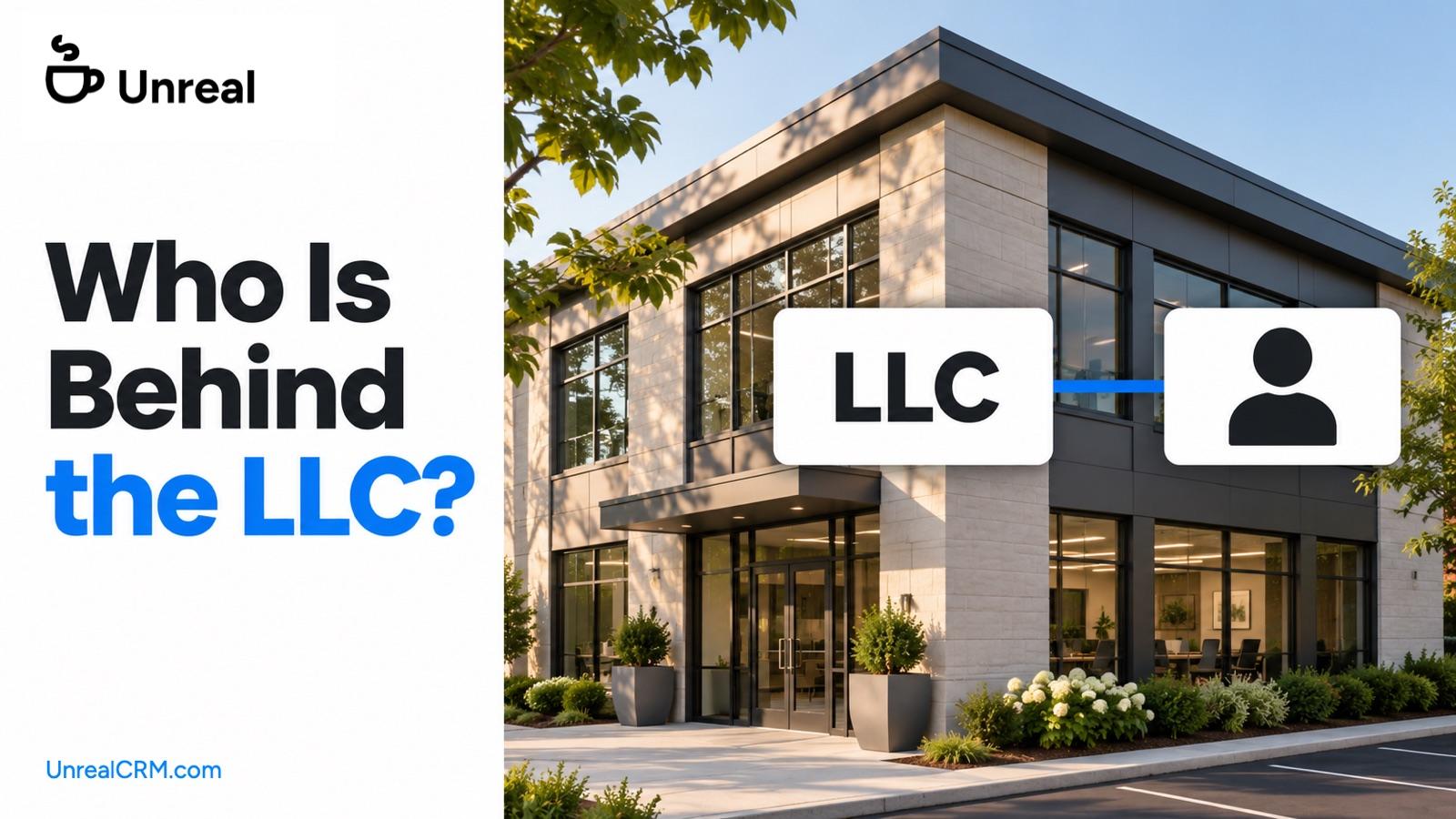
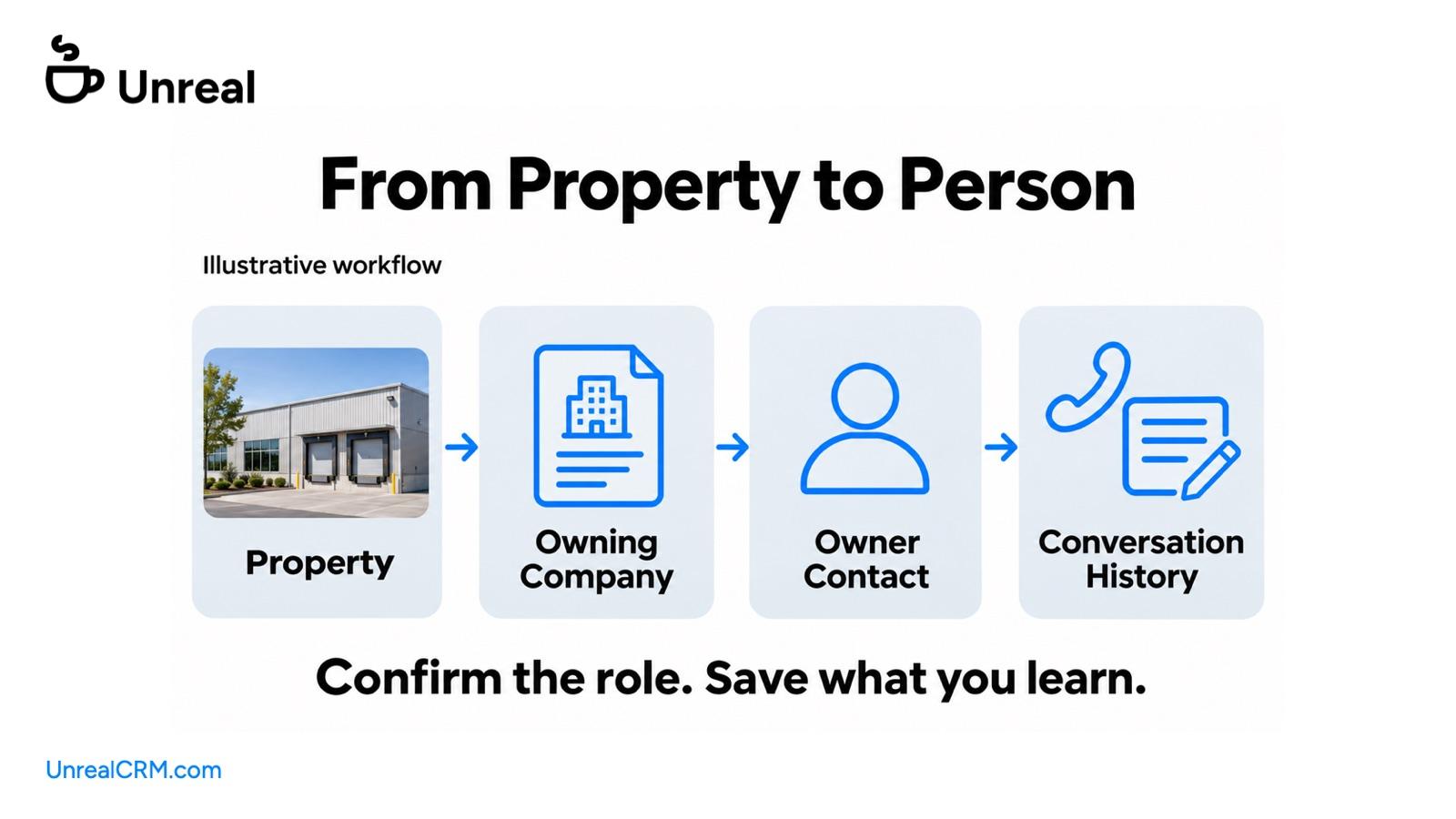
An LLC name gives you a starting point. To pursue the property, you need the person behind it, a way to reach them, and somewhere to keep the conversation.
Unreal brings those steps together. Find the building on the map, get verified owner contact information, and call or email from the same platform. Your activity stays connected to the property, contact, and deal.
If you’re comparing CRE skip tracing tools, that complete workflow is worth testing. The question is how easily you can turn the research into a relationship you can keep working. For the fundamentals, start with our skip tracing playbook for real estate.
Start With the Building You Want to Pursue
Real estate research often begins with a property. You see a warehouse in your target area, identify a retail center that could fit a tenant, or build a list of buildings that match an investor’s requirements.
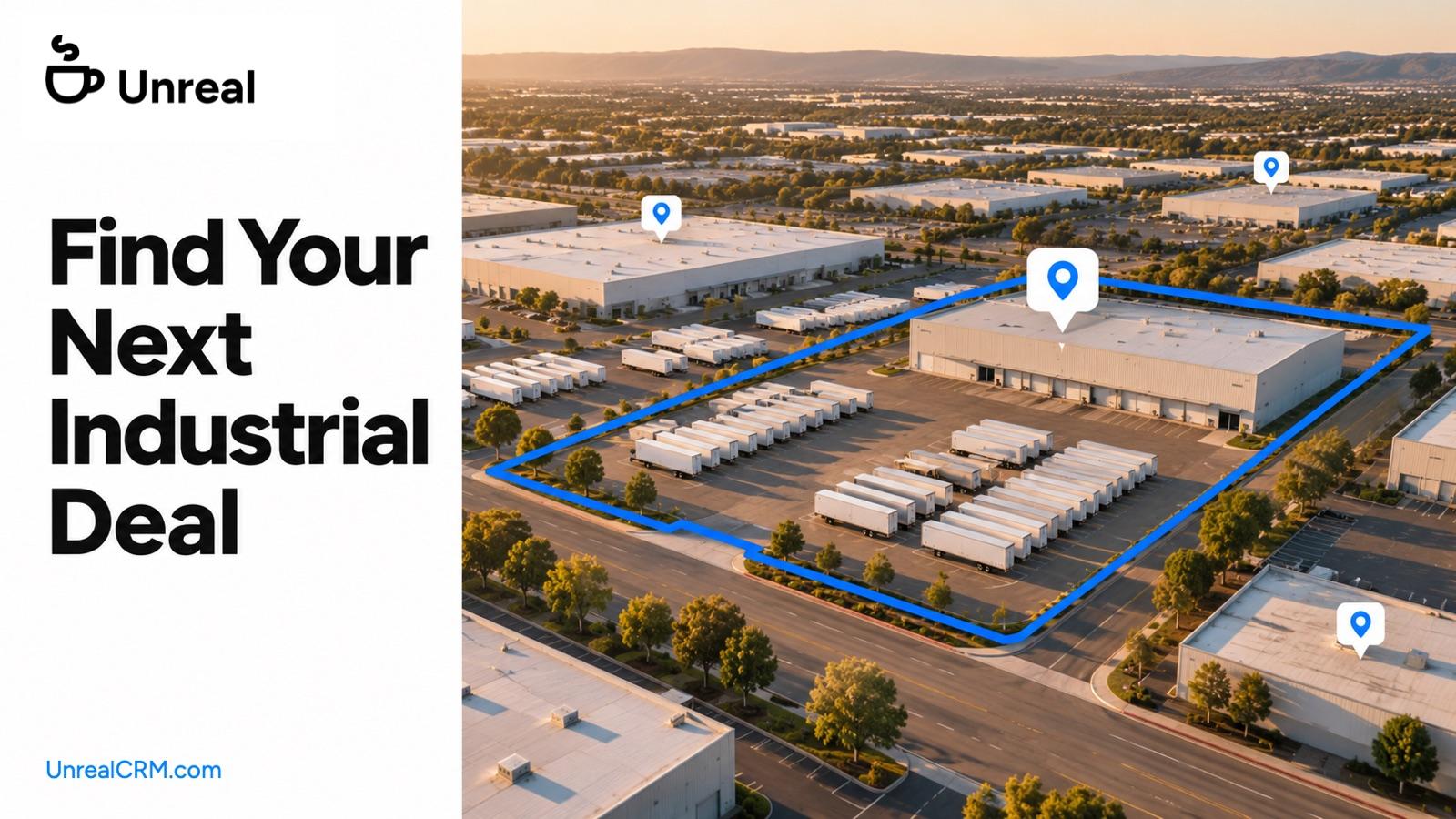
Unreal lets you start there. Search the map by location, property type, and the characteristics that matter to the assignment. Open a building to see its ownership information, then request the owner’s contact details.
You can work from the property you recognize without first assembling a separate contact database or moving the list into another research service.
Get Contact Information When You Need It
Unreal runs contact research when you request it. We compare information across data sources to find phone numbers and emails associated with the owner and rank results by likelihood and verification.
That keeps contact research close to the decision to reach out. You can narrow the property list first, then find the people behind the buildings you actually want to pursue.
Coverage can vary by market and property type. Use properties you know when evaluating the results, and confirm the person’s role when you speak. Save any correction so your next conversation benefits from what you learned. Our guide on how to verify owner phones and emails explains what to check.
Call or Email From the Property
Once you have the contact information, you can act on it in Unreal. Calling and email live alongside the property research and CRM.
Consider an investor looking for industrial buildings in a particular market. After reviewing the shortlist, they can find the owners’ contact information, work through outreach, and keep the responses with each opportunity.
There is no separate export step between finding the owner and using Unreal’s outreach tools. The same place holds the research, the conversation, and the next task.
See the Relationship You Already Have
A newly researched building may lead to someone you already know.
Perhaps you called the owner about another property last year. Perhaps a teammate is working with them now. That context matters before you make another introduction.
Unreal connects people to their properties and keeps your previous activity with those relationships. You can review the history while researching the next building, including shared team information your permissions allow you to see.
This makes your own database more useful. The notes you worked to collect can inform new prospecting instead of sitting apart from it.
Keep the Answer for the Next Conversation
Finding the number is useful. Remembering what the owner said is what lets you follow up well.
If they ask you to return after a tenant decision, save that reason and set the next task. If someone else handles leasing, connect that person to the property. If a number is wrong, retain the correction.
Unreal keeps calls, emails, notes, and deal activity together. When you return to the contact, the history is there. When a colleague joins the assignment with the appropriate access, they can get up to speed without repeating the research.
Work a List Without Repeating Calls
One owner may appear through several buildings or more than one contact record. A useful calling list needs to account for that.
Unreal’s dialer can deduplicate phone numbers and exclude numbers called within a period you choose. Review recent conversations before starting another session, then work the list with that context in view.
These controls help you coordinate outreach as the list grows. Your prospects should feel that you know the relationship, even when your team is working across many properties.
Compare the Full Workflow on Your Own Market
Bring a few familiar properties to a demonstration. Include an LLC that has been hard to research and an owner you have spoken to before. If you want a step by step method first, read how to find the real person behind an LLC owned property.
Follow each one through the work:
- Find the property and review the ownership information.
- Get the contact details and assess the connection to the owner.
- Check your existing notes and team activity.
- Make the appropriate outreach and save the outcome.
- Set a next step you can return to with the history intact.
This shows you how the tool will fit into your day. It also makes the comparison specific to the market and relationships you work with. You can also see how Unreal compares with other tools.
We built Unreal to carry that work from the first property search through the deal. Bring us a building you want to pursue, and we’ll show you the people, the outreach tools, and the CRM in one place.
Keep reading
More on prospecting, owner data and outreach. Or see how Unreal compares to the tool you use today.